

BillBook help
Stock tracking
For shops and businesses with real goods on shelves: a simple, honest count of what you have — without invoicing-level paperwork. Part of the Growth plan and up.
One count, whatever unit you're holding
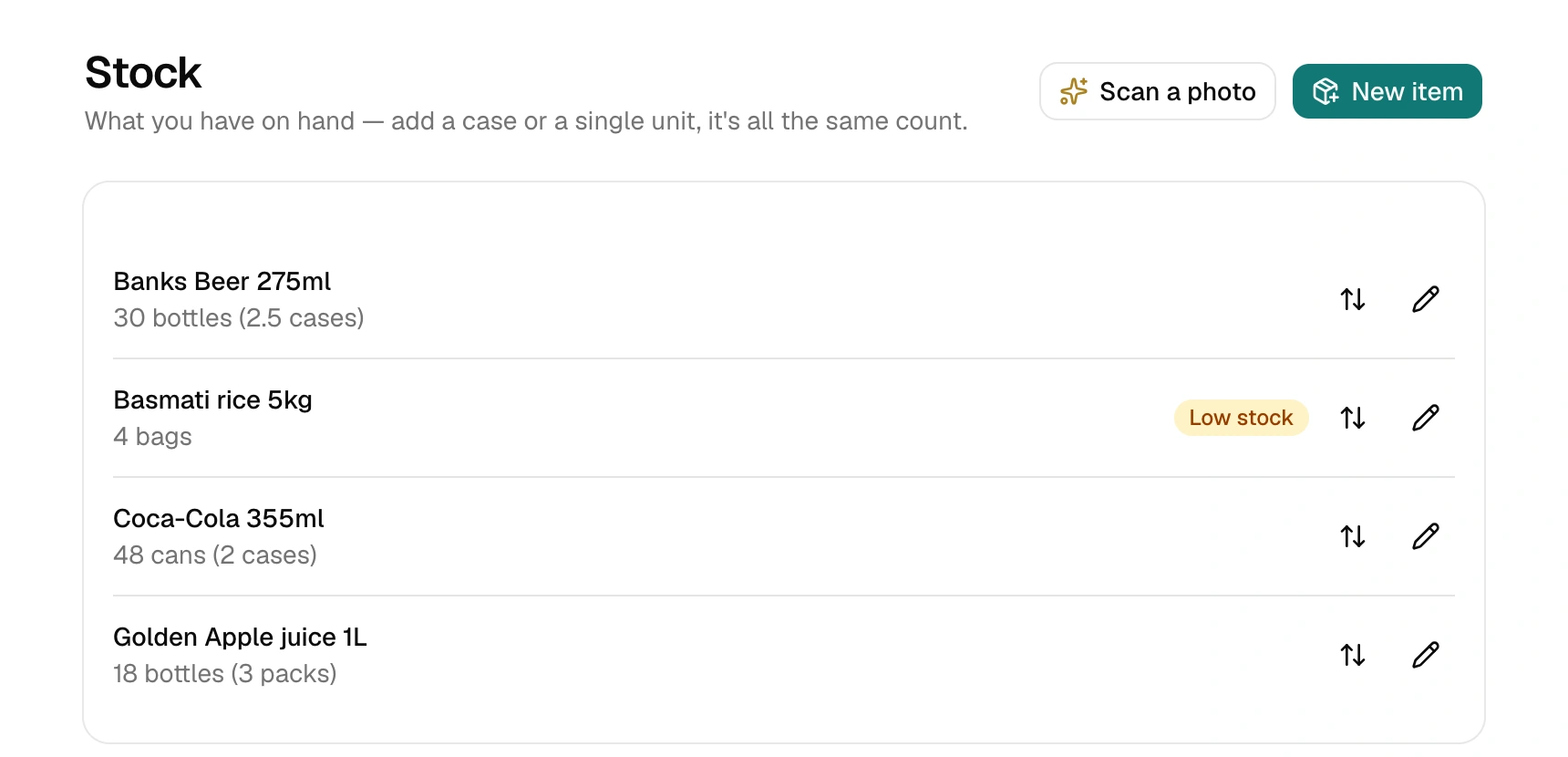
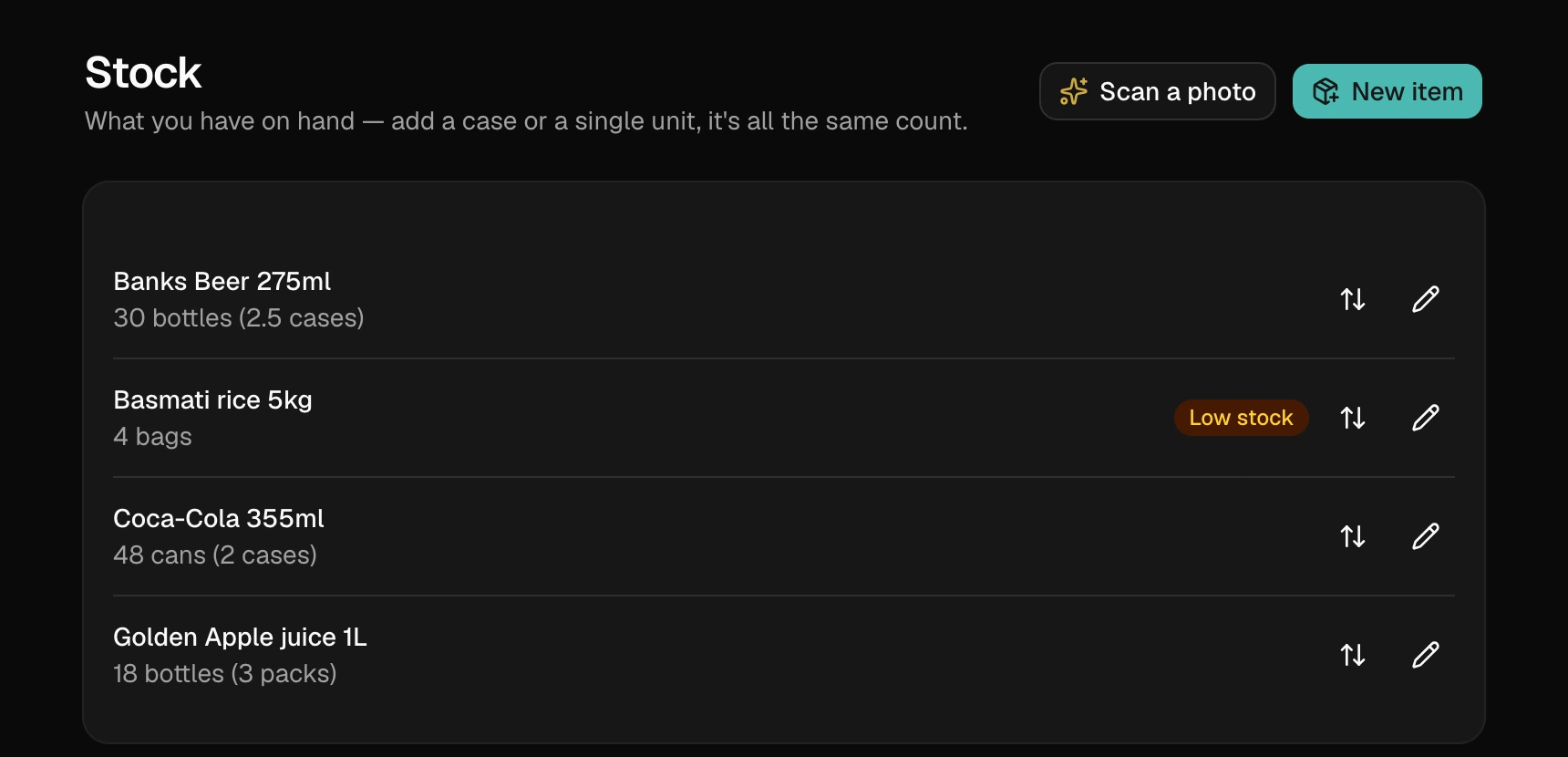
Add each product with the unit you count it in — cans, kg, bags, bottles. If it also comes in a pack (a case of 24 cans, a crate of 12), set the pack size once. From then on you can log stock either way: "received 2 cases" becomes 48 cans automatically. There's only ever one number of record.
Logging what happens
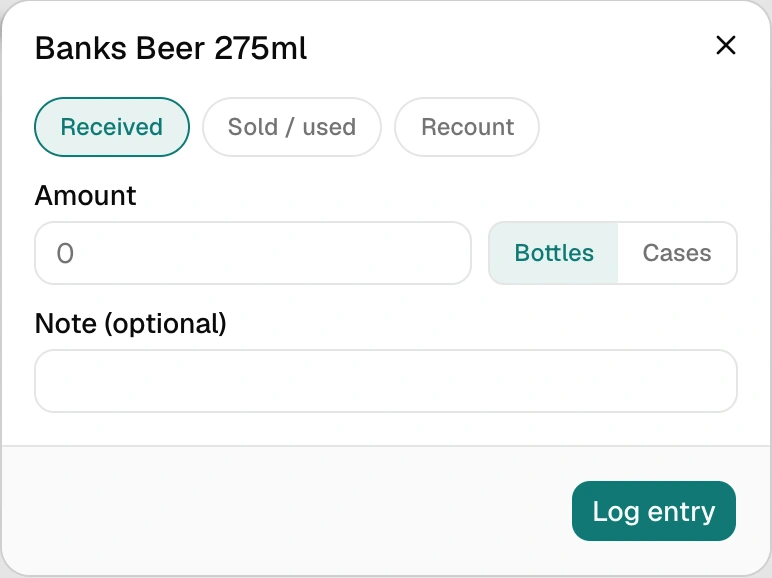
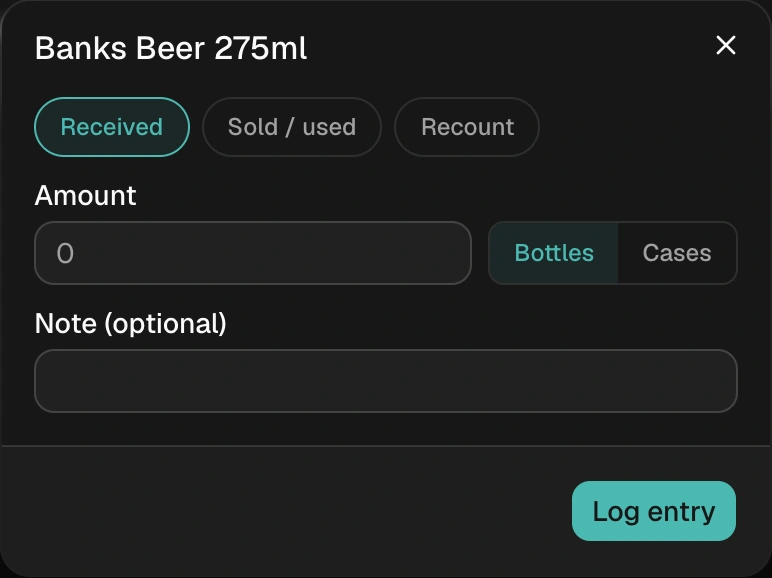
Three kinds of entry: Received (stock in), Sold / used (stock out), and Recount— for stocktake day, you just type what's physically there and BillBook works out the difference itself. No mental arithmetic, no "wait, is that plus or minus?"
Made a bad entry? Delete it — the count reverses automatically — and log the right one. Every change goes through the log, so the number always has a story behind it.
Categories, prices & what your shelf is worth
Give items a category (Drinks, Dry goods, Frozen…) and the list groups itself — a long shelf stays readable. Add an optional selling price per unit and BillBook shows each item's value on hand plus a headline for the whole shelf: "worth about G$X at your selling prices." Add a cost price too (what youpay per unit) and BillBook can estimate what you're actually making.
The Insightsbutton on your stock page turns the log into answers: what sold, what it earned at today's prices, the estimated profit and marginon items with both prices set, and what's sitting — over 7, 30 or 90 days.
Both prices are a reference — they power the shelf value and the insight estimates, nothing else. The prices that appear on invoices come from your Items list, which serves a different job: Items is your price list for billing; Stockis your honest count of what's physically there.
Low-stock warnings
Set an optional "low stock at" level per item and the list flags anything at or below it — see what needs reordering before you're standing in front of an empty shelf.
Call it what you call it
Some businesses say stock, some say shelf, some say warehouse. Settings → Stock tracking lets you rename the whole section to whatever your business actually says — the name in your menu is yours.
Deliberately separate from invoicing
Stock doesn't auto-subtract when you invoice — that's a deliberate choice, not a gap. Invoices and physical stock drift apart in real shops (breakage, samples, personal use, cash sales off the books of the app), and pretending otherwise makes both numbers wrong. You log what actually moved; the count stays honest.