

BillBook help
Expenses & profit
Income without expenses is only half the story. Log what goes out — with the receipt photo attached — and BillBook can show what you actually made.
Logging an expense
Expenses → Add expense. Amount and date are all that's required — add who you paid (Gafoors, GPL, your supplier), a category, how you paid, and a note if you want the detail later. It takes about fifteen seconds.
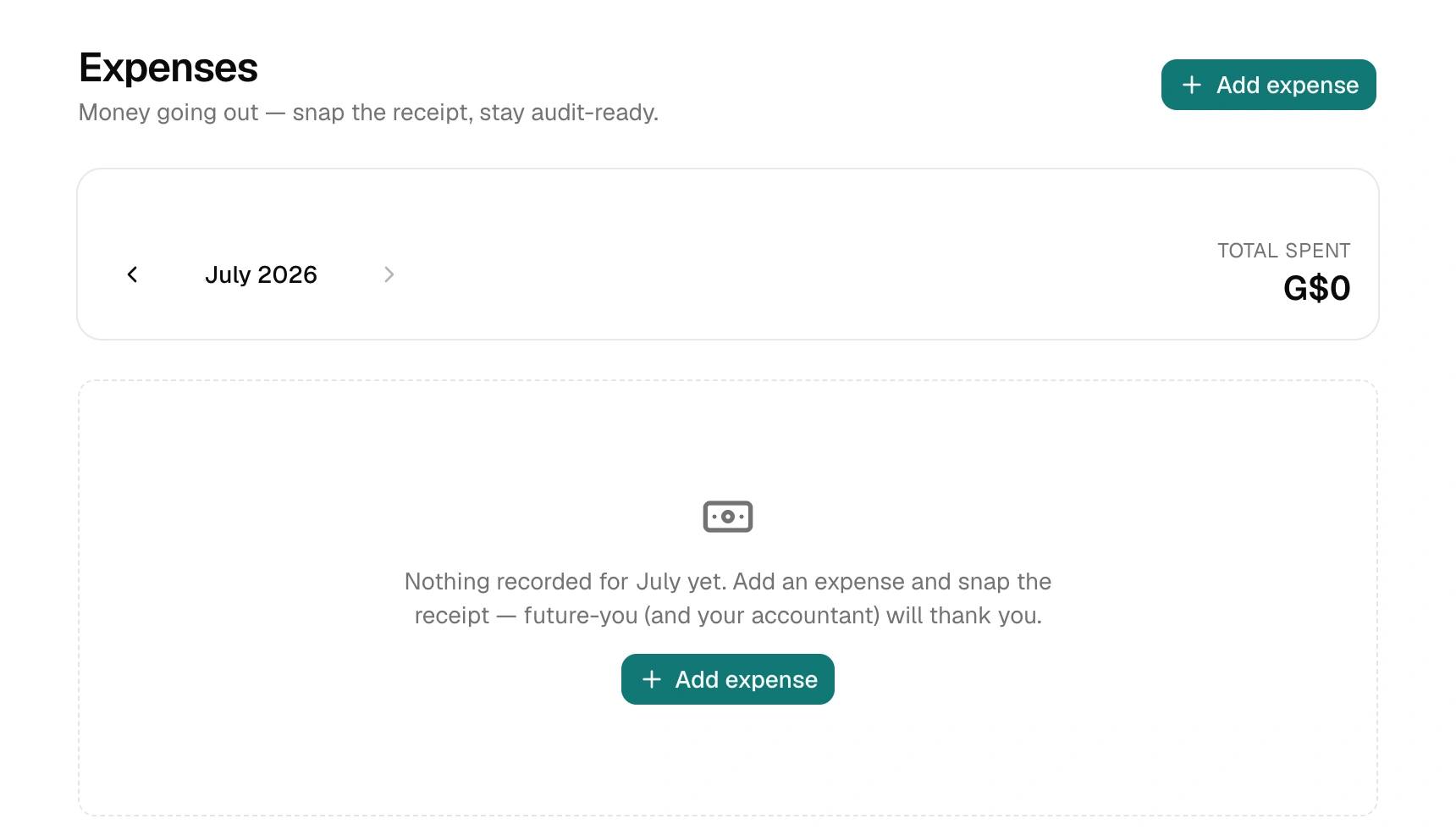
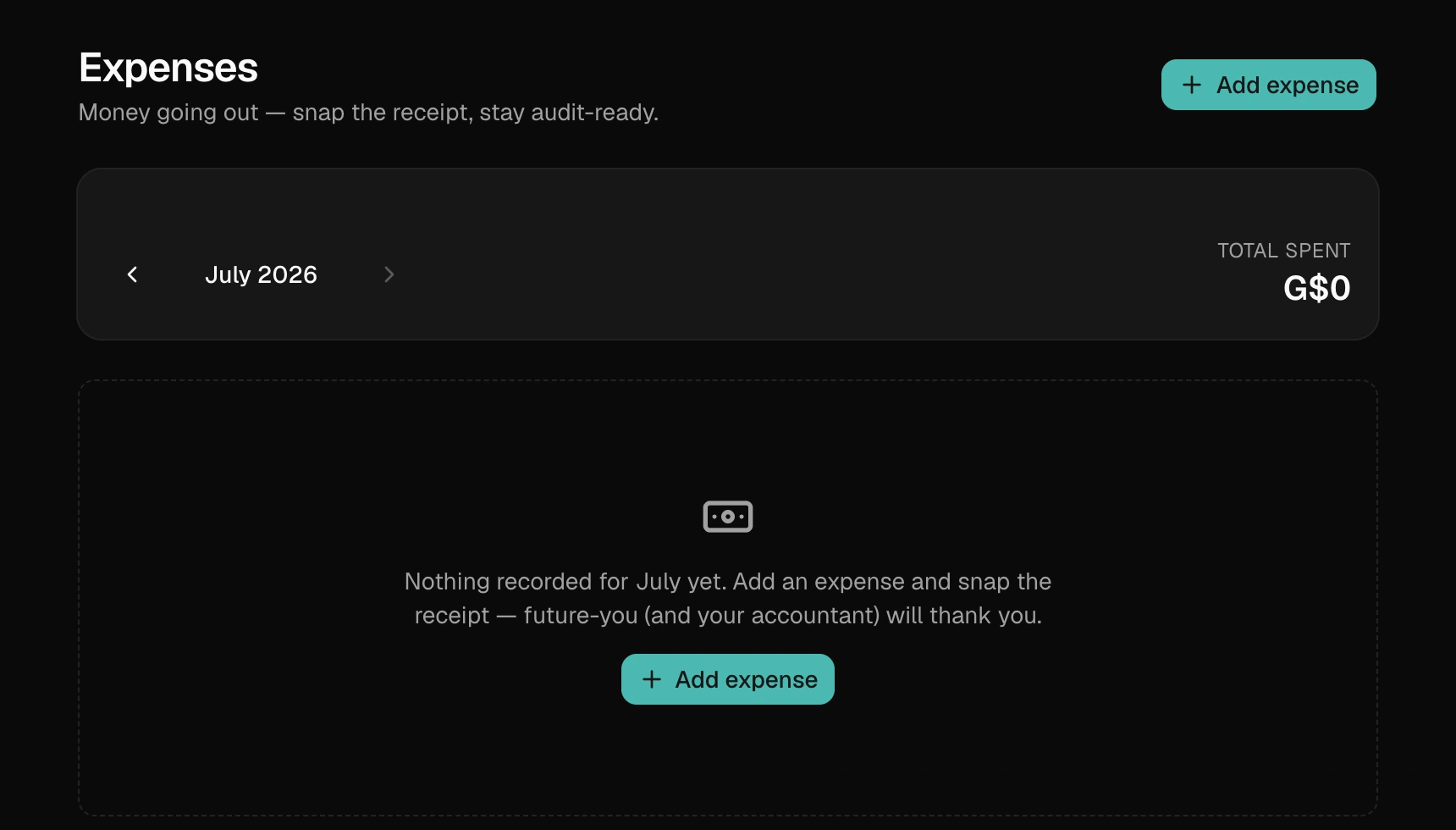
Snap the receipt
Every expense can carry a photo — tap Snap or choose a photo and use your phone camera right there. BillBook shrinks the photo automatically so it loads fast, and it's attached to that expense forever. No more shoebox of fading paper.
Categories that build themselves
Type a category once — Materials, Fuel, Utilities, Rent — and it appears as a one-tap chip on your next expense. Your own habits become your bookkeeping system.
Where profit shows up
Insights puts income and expenses side by side so you can see the month's real result — collected, spent, and what's left. The full profit view is part of the Growth plan; every plan keeps the expense log itself.
One honest note: expenses here are your operating records. Your VAT filing numbers come from your sales documents — the VAT report stays clean and GRA-shaped either way.