

BillBook help
Invoices, quotes & receipts
BillBook issues the documents a Guyanese business actually uses, with the fields GRA guidance expects. Here's what each one is for and how they connect.
The document types
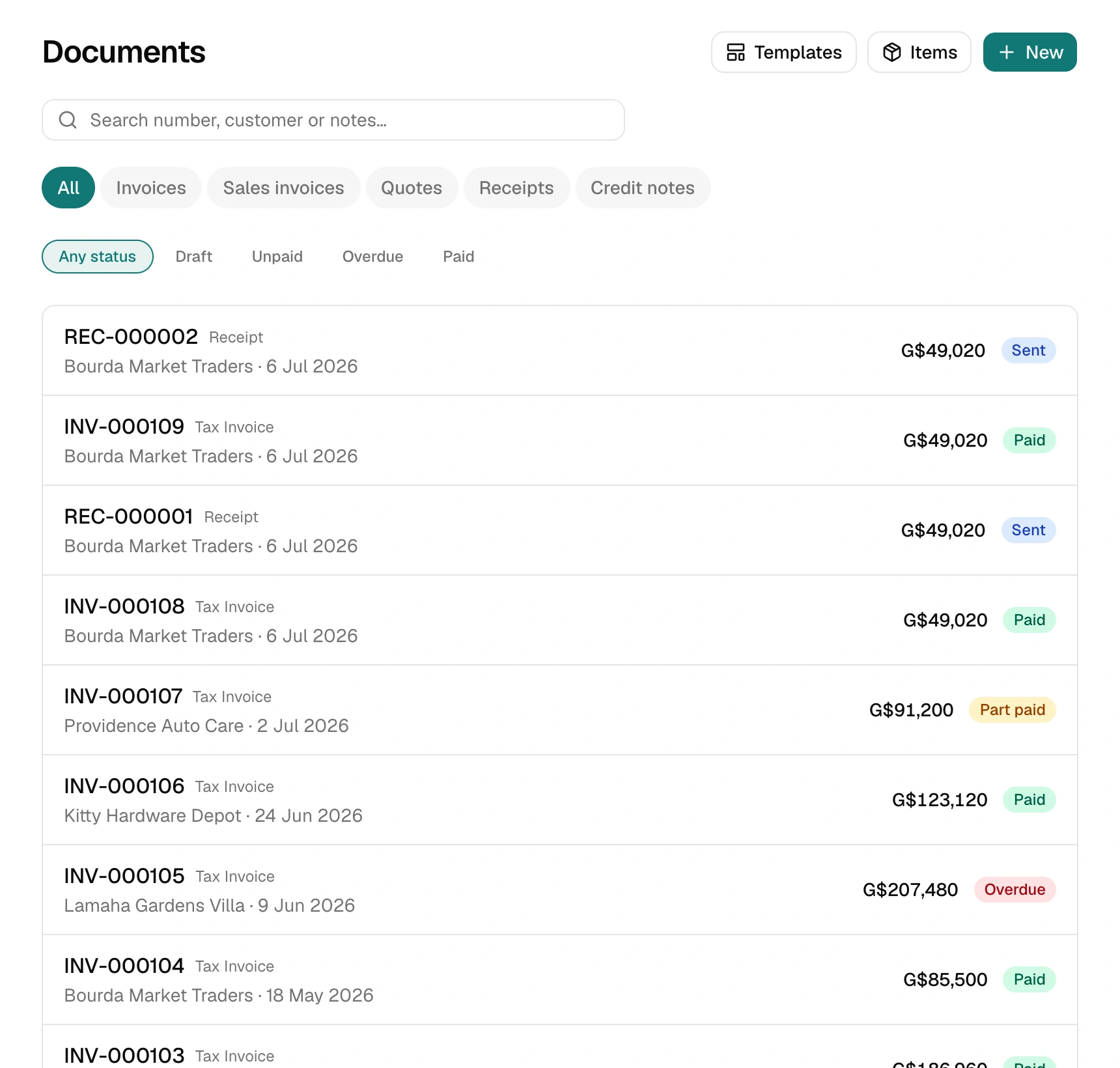
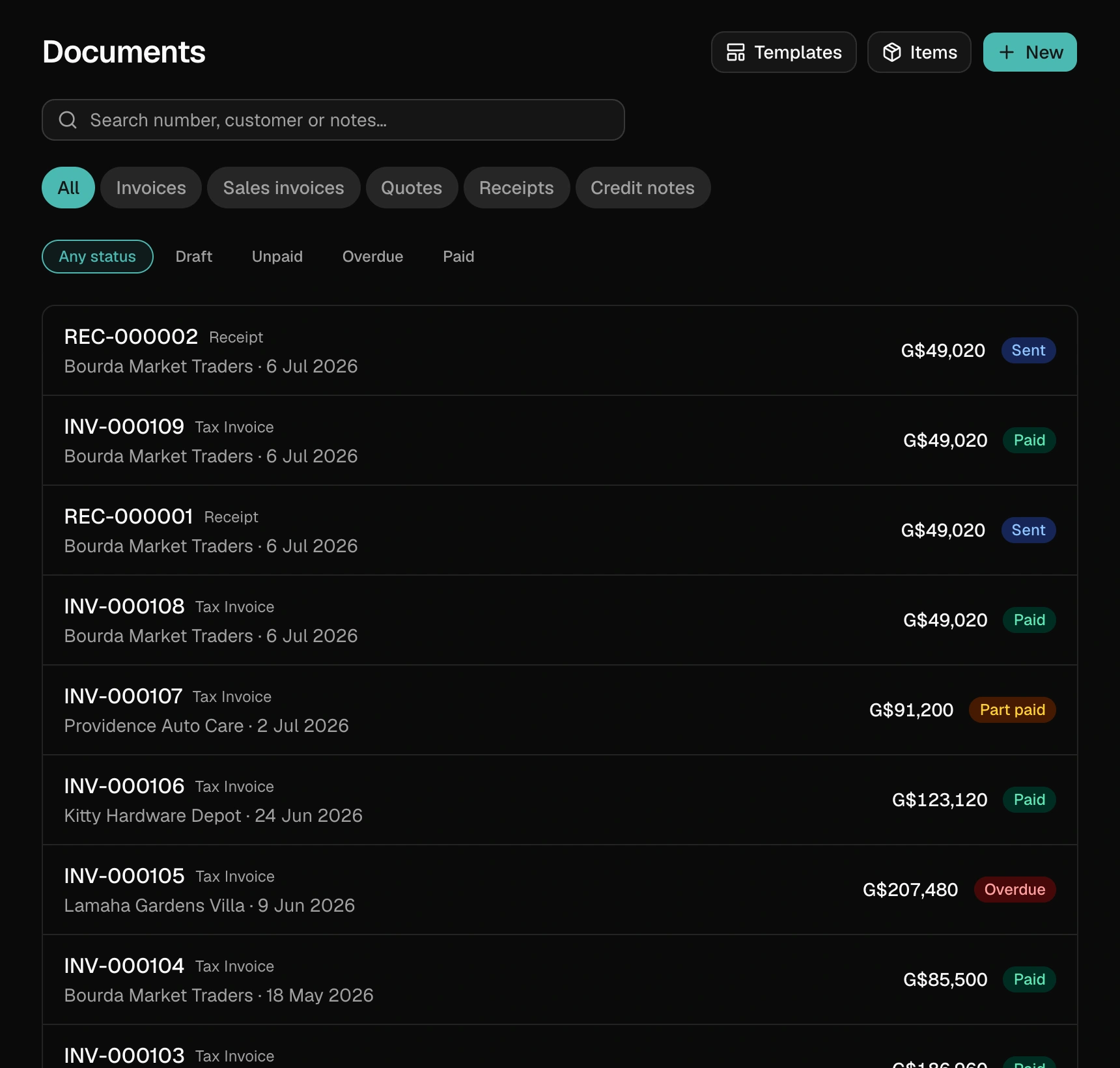
Quote — a priced offer before the work. No tax effect; it just tells your customer what something will cost. One tap converts an accepted quote into an invoice, keeping every line.
Tax invoice — the real bill, for VAT-registered businesses. Shows VAT per line and in the totals.
Sales invoice — the bill for smaller cash sales or non-VAT businesses.
Receipt — proof of payment. BillBook creates one automatically whenever you record a payment, numbered in its own sequence.
Credit note— the proper way to correct an invoice that's already been paid or sent: it subtracts, with a paper trail, instead of quietly editing history.
Statuses — draft, sent, paid, void
A new document starts as a draft — edit it freely. Mark it sentwhen it goes to the customer. Once any payment is recorded it locks: that's deliberate, because a document your customer already has shouldn't quietly change afterwards. If something's genuinely wrong, issue a credit note or void the document — both leave an honest trail.
Recorded a payment by mistake? Tap the small × next to it under Payments on the invoice. The invoice shows that amount as owing again, and the receipt issued for it is voided.
Voiding a paid invoicealso removes the payments recorded on it and voids their receipts, so that money stops counting as collected on your dashboard, Insights, statements and profit & loss. If you really did receive it, record it again on the replacement invoice with the real “Date paid”. Voiding a receipt that was issued for a payment takes that payment back off its invoice. Removed payments stay listed on the invoice, so nothing disappears without a trace. None of this moves real money; it only changes your BillBook records.
Numbering
Each type numbers itself sequentially (INV-000001, QUO-000001, …) — no gaps, no repeats, which is exactly what an auditor wants to see. You can customise the prefix and starting number in Settings → Numbering on paid plans.
Templates — how documents look
Settings → Branding lets you pick a print template (Basic is free; Classic, Editorial, Minimal and Bold come with paid plans), set your brand colour, and add a footer line. The same document re-renders instantly in any template — your data and the design are separate.
Repeat billing
For work you bill every week or month, save any document as a template (Growth plan) and reuse it — or duplicate any past document in one tap: fresh number, today's date, same lines.