

BillBook help
AI tools
BillBook's AI does the tedious first draft; you stay in charge of what's saved. Nothing the AI produces touches your records until you've reviewed and approved it.
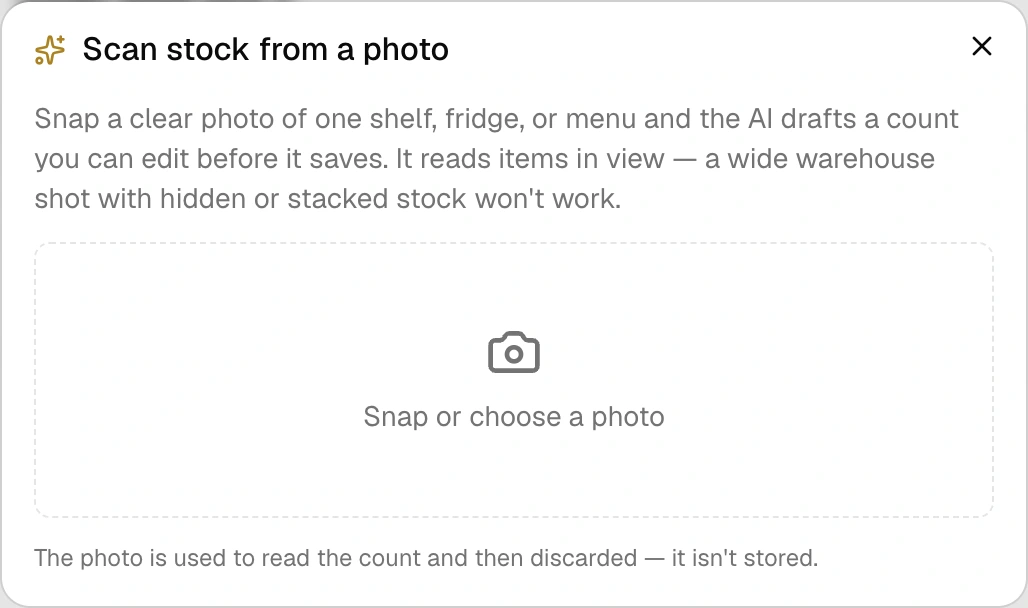
Stock scan — point your phone at the shelf
On the Stock page (Agency plan), tap Scan a photo and snap one shelf, fridge or menu board. The AI reads what's visible and drafts a count — item names, quantities, units — with a colour-coded confidence score per row: green means sure, amber means check it, red means definitely check it.
Everything is editable before saving. Items it recognizes update your existing count (as a logged recount); new ones are created fresh. Wide warehouse shots don't work by design — it only counts what it can actually see, and it will tell you to get closer rather than guess.
Also on Agency: AI-organise — one tap groups your whole shelf into sensible categories (Drinks, Dry Goods, Toiletries…). Anything it files oddly is one drag away from fixed.
Agreement drafting
In Contracts (Growth and up), describe the deal in a sentence or two and get a full agreement draft — scope, payment, timelines, Guyana governing law — with square brackets around anything you must fill in yourself. It's a starting point, not legal advice; the draft says so right at the bottom.
Monthly briefing
On the Agency plan, Insights can write your month in plain English — what came in, what's outstanding, who your top customers were, and the two most useful actions for next month. Numbers come straight from your records; the AI never invents a figure.
The ground rules
You approve everything — AI output is always a draft you can edit or throw away. Photos aren't stored — a scanned shelf photo is read once and discarded. Allowances are monthly — each plan includes a set number of AI uses that reset on the 1st, and a failed run never costs you one.